Capo
Real-time control for web audio

The mixing desk hiding in your browser tab.

One click changes the pitch, key, speed and volume of whatever’s playing — transpose a song to your range, slow a part down to learn it, or speed up a lecture. Processed on your device.

Chrome & Firefox · v2.5Free, no account0 bytes uploaded
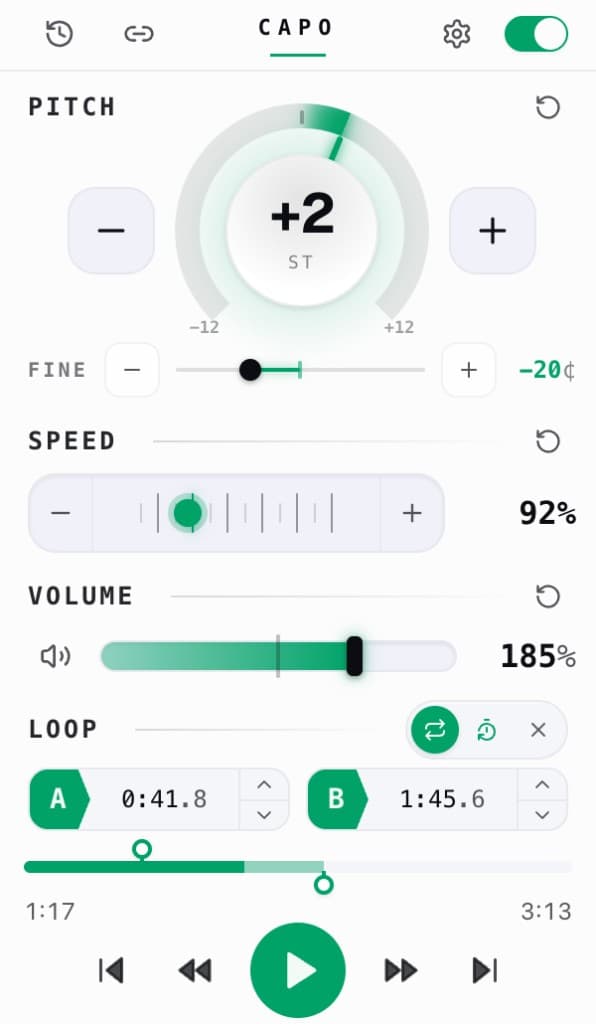
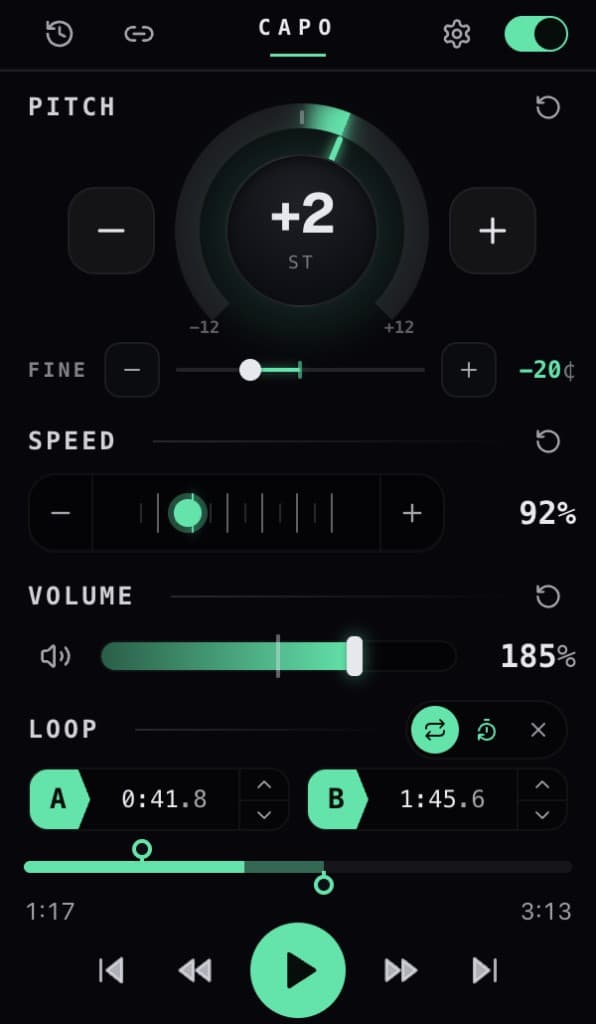
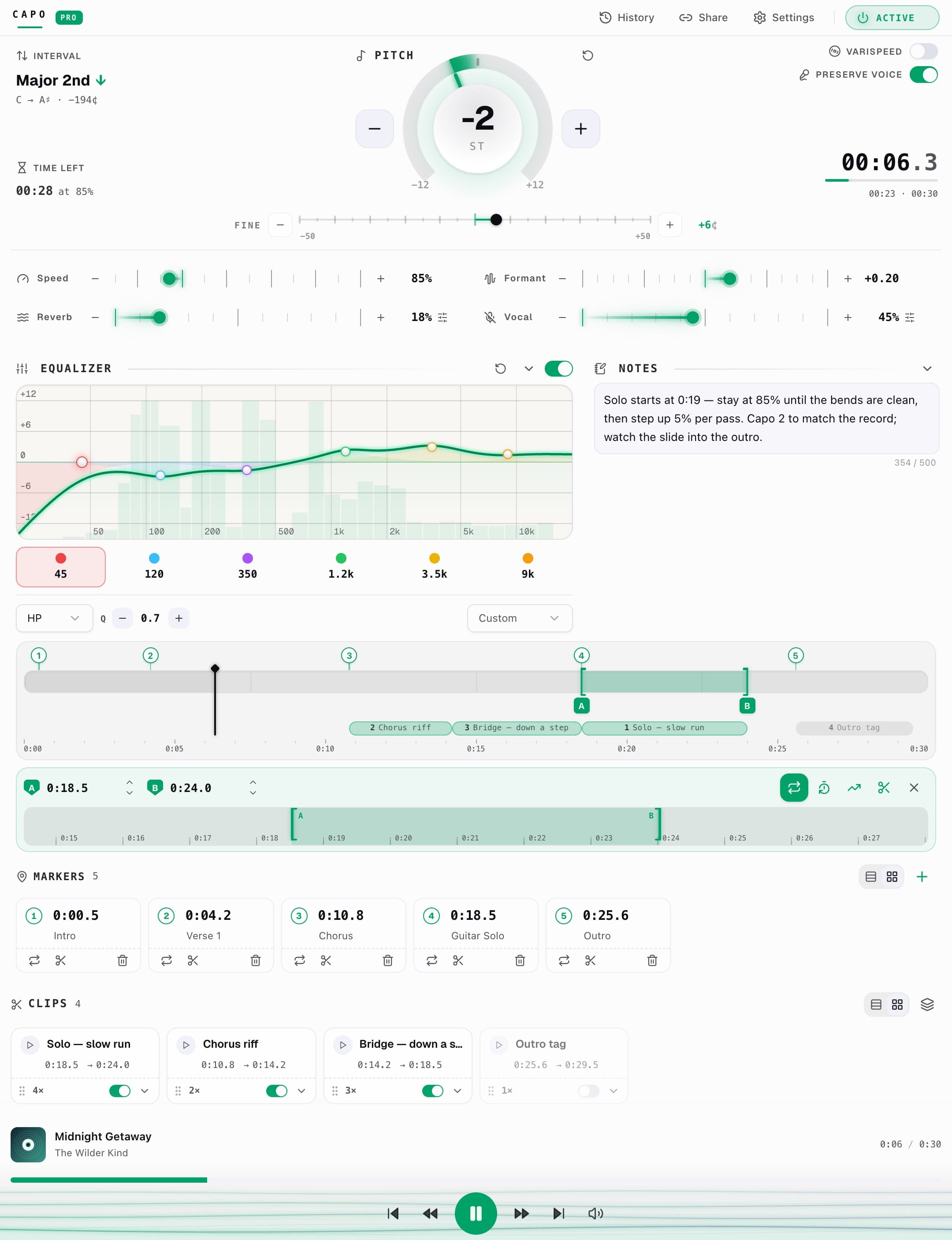
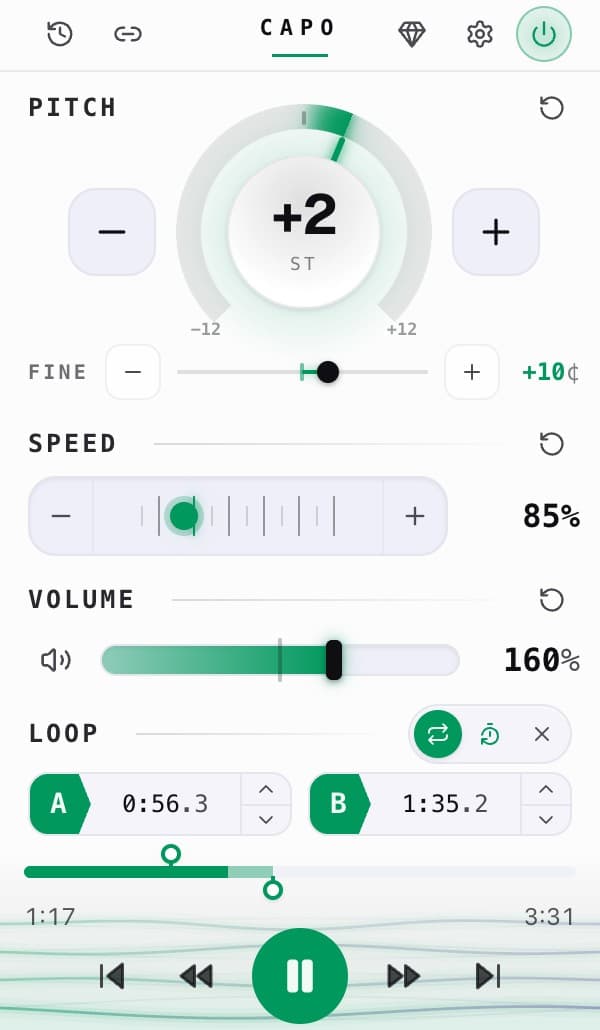
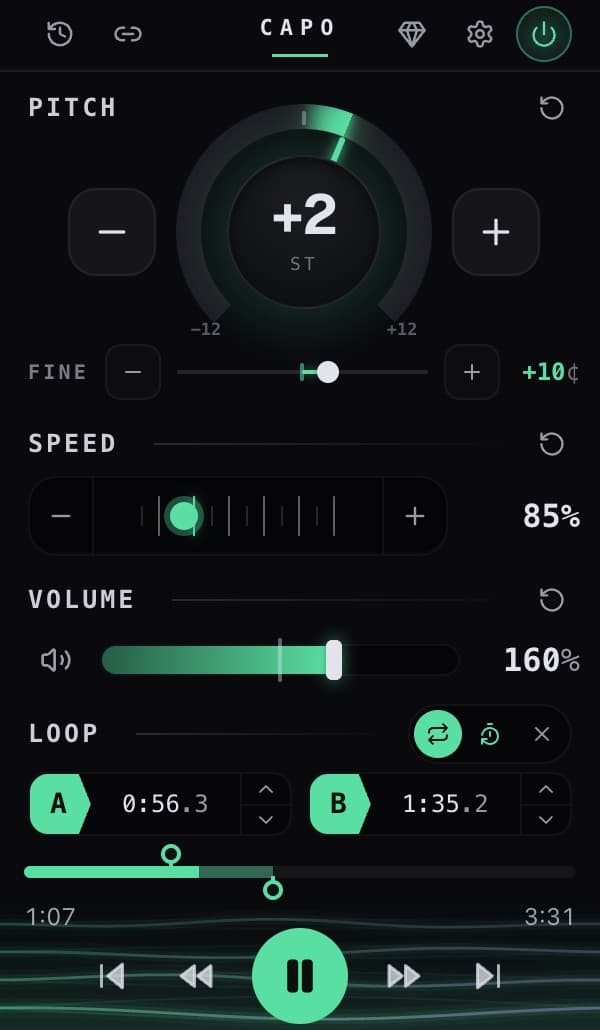
The Capo popup, showing pitch set to −2 semitones, speed at 0.92×, volume at 140% and an A–B loop
Pitch
−2 ST
Speed
0.92×
Volume
140%
Loop A–B
3:42→9:52
Plays nicely withYouTubeSpotifySoundCloudBandcampPodcastsCourseraany <video>
±0 st
Semitones of pitch
0.25–3×
Playback speed
0%
Volume ceiling
0
Bytes uploaded
What it does

Four knobs. Every sound on the web.

Capo splices a real audio engine into the page and gives you direct control — no downloads, no re-encoding, no waiting.

Pitch · Key

Play it in any key you like.

Transpose a whole performance up or down by twelve semitones, in single steps — capo a song to sing along, or drop it to match the instrument in your hands. No warble, no chipmunk.

−12 … 0 … +12 semitones · 1-step resolution

Tempo · Speed

Slow the hard part to a crawl.

From a quarter-speed practice tempo up to triple-time, the pitch stays exactly where you put it. Learn a lick by ear, or get through a lecture in half the time.

0.25× … 3× · 0.05× increments

Loop · Volume

Lock onto a phrase. Make it loud.

Set an A–B loop on the tricky four bars and let them repeat while you work them out. And when a video is mixed too quiet, push it well past the browser’s 100% ceiling — up to 300%.

A–B looping · volume up to 300%

On-device by design

Your listening never leaves your laptop.

Capo processes audio right inside the page. There’s no server in the loop, no account to create, and no record of what you play. The only thing it ever stores is your settings — locally.

Who it’s for

Anyone who needs the sound a little different.

+3st
Pitch

Musicians

Transpose to your key and slow passages down to learn them by ear.

0.7×
Speed

Language learners

Slow a podcast to catch every word, or shift a voice to a register you parse.

300%
Volume

Accessibility

Boost quiet videos past 100% and tame harsh, piercing frequencies.

1.75×
Speed

Focus & study

Speed up lectures and talks, with your pace saved per page.

How it works

Three clicks from install to in-tune.

01

Add it to your browser

One install from the Chrome Web Store or Firefox Add-ons. No account, no setup.

02

Open it on any tab

Hit the toolbar icon while something’s playing — the page tunes to your controls instantly.

03

Retune, and it remembers

Pitch, speed and volume save per URL and come back exactly the same next visit.

Questions

Good to know.

Does Capo work on YouTube and Spotify?
Yes. Capo controls the pitch, speed and volume of any audio or video element on the page — that includes YouTube, Spotify Web Player, SoundCloud, Bandcamp, podcast players and any site with an HTML video or audio.
Is my audio sent anywhere?
No. All pitch-shifting and time-stretching happens locally in your browser using an on-device audio engine. Nothing about what you listen to is ever uploaded, and Capo works fully offline.
Will shifting the pitch make it sound like a chipmunk?
No. Capo changes pitch and speed independently using studio-grade time-stretch engines, so you can transpose a song or slow it to a crawl while it still sounds natural.
Does it remember my settings?
Capo saves your pitch, speed and volume per URL and restores them automatically the next time you visit that page. Each tab also keeps its own independent state.
Is it free?
Yes — Capo is free on the Chrome Web Store and Firefox Add-ons. No account, no sign-up.

Put a capo on everything you listen to.

Add to Chrome — it’s freeAlso on Firefox · v2.5 · no account